Skip to content

For developers

14 Idle Game Art Styles From Real Games, and What Each One Costs You

Idle game art style examples from text-only to 3D: 14 real games, what each look does for play, what it costs a small team, and how to pick yours.

An idle game's art has one job before it has any other: make a screen full of numbers readable at a glance. After that, the style is a budget decision. The genre's most loved games range from plain text that a single developer wrote in an evening to 3D habitats built by a studio, and some of the best reviewed sit at the cheap end.

The 14 styles below are each shown in a real game, ordered roughly from least to most art per screen, with what the look does for play and the cost it puts on you. Facts about each game come from its store page, its source or press coverage; Steam ratings are from our catalog as of November 2026.

01

A Dark Room: best for solo devs who can write but cannot draw

Platform: Browser, Mobile · free

Michael Townsend's A Dark Room (Doublespeak Games, 2013) is text on a plain page. It opens with one action, light the fire, and the interface itself is the reveal: new panels, resources and a map appear as you play. Townsend has said he told the story through environmental cues rather than exposition, and The New Yorker compared it to 'a puzzle composed of deconstructed to-do lists.'

The style works because the absence of art builds atmosphere. Every new word carries weight when it is the only thing that changed on screen.

Pick it if your hook is mystery or story and your skill is writing. The art budget is zero; the writing budget is everything.

Watch out for: Text-only does not mean easy to make well. With nothing else on screen, layout, spacing and the order things appear in are the whole visual design.
02

Universal Paperclips: best for a concept strong enough to carry plain buttons

Platform: Browser, Mobile · free

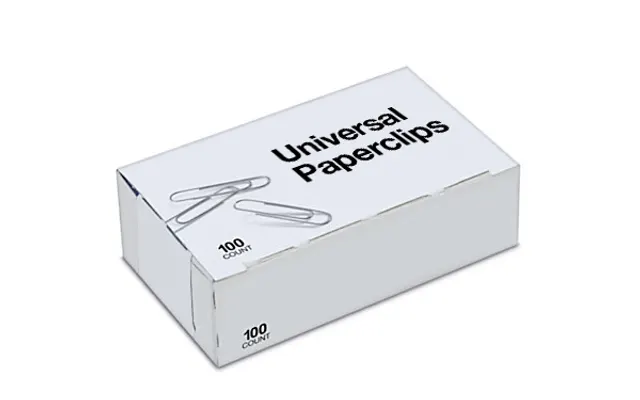
Frank Lantz's Universal Paperclips (2017) looks like an unstyled web page: buttons, counters and a log. It starts with one button that makes a paperclip, and every later system arrives as more of the same plain interface. According to Wired, as cited on Wikipedia, 450,000 people played in its first 11 days.

The bare look is part of the fiction: you are an AI, and this is what an optimizer's dashboard would look like. Plain controls also kept the focus on the arc of the story, which is why people finish it in one sitting and tell friends.

Pick it when the idea is the art. If your pitch fits in one sentence and gets a reaction, plain HTML is an honest choice.

Watch out for: Without art, nothing on a store page or thumbnail sells the game. Paperclips spread by word of mouth; most games need a screenshot that explains itself.

03

Candy Box 2: best for comedy and hidden secrets in a browser

Platform: Browser · free

Candy Box 2, by the French developer aniwey (October 2013), draws everything in ASCII characters: the candy counter, the shops, a castle, monsters. Mashable called its 'charming ASCII art style' a cover for 'a very deep game,' and Wikipedia notes the original reached hundreds of thousands of players.

ASCII is cheap to produce, works in any browser and makes jokes land, because a monster drawn in punctuation is already funny. It also suits secrets: players poke at characters to see what they do.

Pick it for a comic adventure-incremental where surprises matter more than spectacle. The source is on GitHub if you want to see how the scenes are stored.

Watch out for: ASCII art is hard for screen readers and breaks with the wrong font. Lock a monospace font and provide text labels for anything the player must act on.

04

Stone Story RPG: best for a signature look with no textures at all

Platform: Steam, Mobile · paid

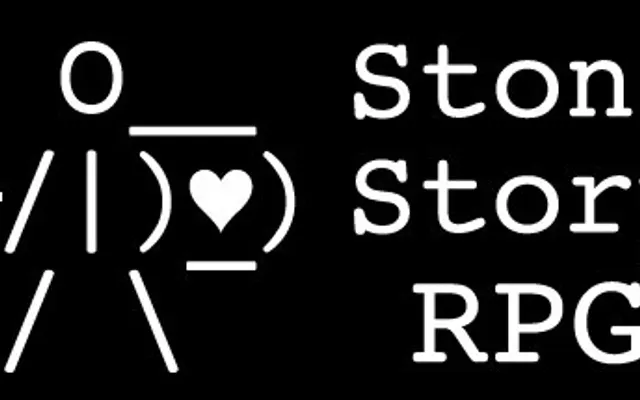
Stone Story RPG by Martian Rex is the far end of ASCII. Its release announcement describes 'more than 16,000 hand-drawn frames of text-based animation' and nine years of development. The result is an auto-battler that plays itself while you script its behaviour, and it is 91% positive on Steam.

Animated text gives a look no asset store can sell you. Every screenshot is recognisable as Stone Story, which is exactly what a crowded store needs.

Pick it only if animation is the thing you love doing. It is the most labour per frame of any style on this list.

Watch out for: Nine years is not a figure of speech. Hand-animated ASCII scales with the number of frames, so scope the animation list before you commit.

05

Antimatter Dimensions: best for math-first games where the numbers are the show

Platform: Browser, Steam, Mobile · free

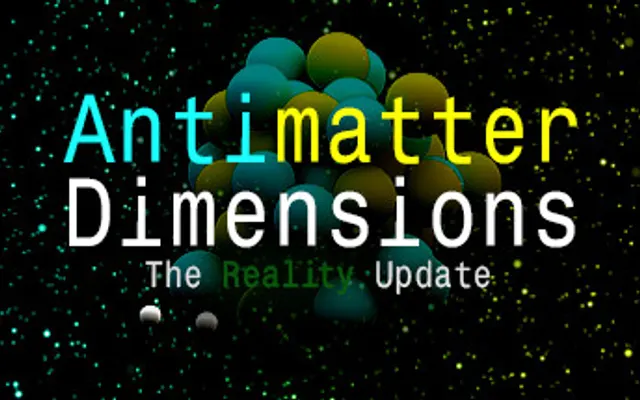
Antimatter Dimensions is rows of buttons, numbers and progress bars. What it does spend effort on is themes: its source defines Normal, Metro, Dark, Dark Metro, Inverted, Inverted Metro, AMOLED and AMOLED Metro, plus secret themes players unlock.

In a game about exponents, the art is clear hierarchy: which number matters, which button is affordable, what just unlocked. Themes let players who stare at the screen for months choose the contrast that suits them, which is a design feature, not decoration.

Pick it for deep, layered games where players will read the screen more than look at it.

Watch out for: Minimal UI exposes every layout flaw. Spend the art budget on typography, spacing and states (affordable, locked, maxed) instead of pictures.

06

Revolution Idle: best for abstract prestige stacks on mobile

Platform: Steam, Mobile · free-to-play

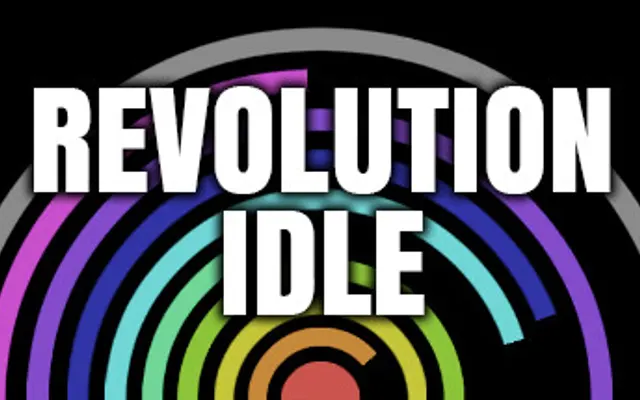
Revolution Idle (Oni Gaming and Nu Games) is circles. Its Steam page describes 'prestige layers and endless automation' and speeding up 'circle filling with color spectrums'; it is tagged 2D and Minimalist, and it is 87% positive on Steam.

Abstract shapes make progress visible without any characters. A wheel filling faster is the number going up, drawn. It also costs almost nothing to render on a phone and never needs an artist to draw a new enemy.

Pick it if your game is about speed and layers, and you want a look that scales from a phone to a monitor.

Watch out for: Abstract looks are hard to tell apart in a store grid. Pick one signature colour or motion and use it in every screenshot.

07

Nodebuster: best for short, juicy run-based incrementals

Platform: Steam · paid

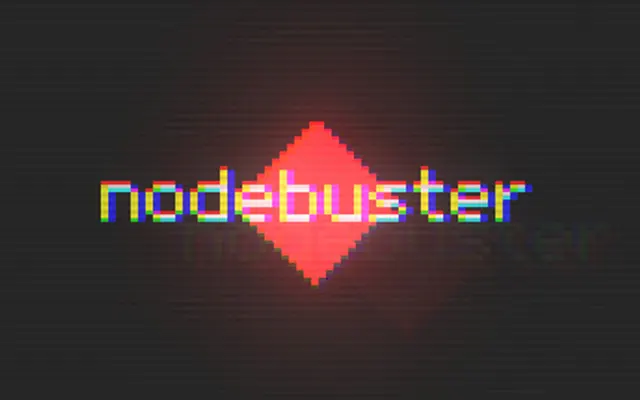
Nodebuster by Goblobin is 'a short, experimental incremental game about busting nodes and destroying reality,' per its Steam page. Its tags read Pixel Graphics, Minimalist, Colorful and Abstract, and it sells for $2.99. It is 97% positive on Steam.

Simple coloured shapes leave room for feedback: things burst, numbers fly, the screen fills. In a game where you actively break things, motion and colour carry the satisfaction, so the shapes themselves can stay basic.

Pick it when the core loop is active and short, and you would rather spend time on hit feedback than on drawing.

Watch out for: Screens full of particles can hurt readability and trigger motion sensitivity. Offer a reduced-effects setting.

08

Idle Slayer: best for retro pixel art for an auto-runner clicker

Platform: Steam, Mobile · free-to-play

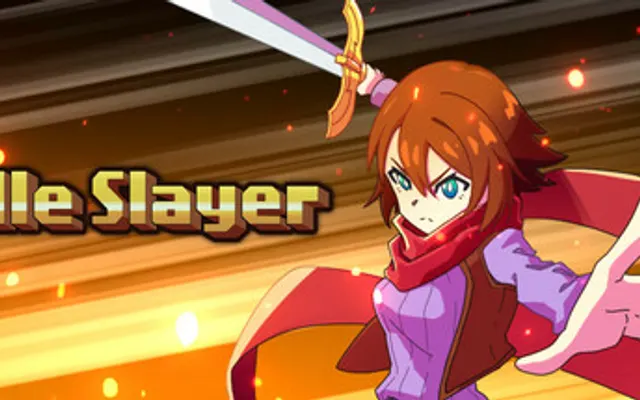
Idle Slayer by Pablo Leban is a side-scroller: 'Jump, collect coins, defeat enemies, and slowly grow stronger,' says its Steam page, tagged Pixel Graphics, Retro and Old School. It is free to play and 84% positive on Steam.

Pixel art suits a game with a moving character because small sprites animate cheaply and read clearly at a distance. The retro look also tells players what kind of game it is before they press anything.

Pick pixel art when you have a character in motion and want an aesthetic players already trust.

Watch out for: Pixel art needs integer scaling. Test at every common resolution, or sprites blur and shimmer on screens that do not divide evenly.

09

Rusty's Retirement: best for desktop-strip games that live beside other apps

Platform: Steam · paid

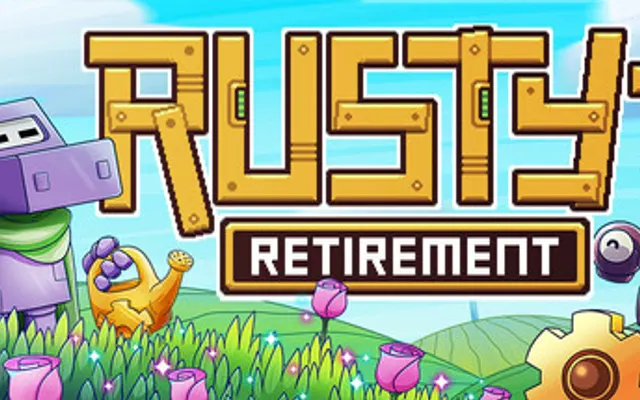
Rusty's Retirement by Mister Morris Games is pixel art in an unusual frame: its Steam page says it is 'designed to sit at the bottom of your screen,' with a vertical mode for the side. It costs $6.99 and is 97% positive on Steam.

A strip format changes the art brief. Everything has to read at a few dozen pixels tall, next to a spreadsheet or browser, without demanding attention. Small, warm pixel scenes do that well.

Pick it if your game is meant to be glanced at, not played. There are more of these on our desktop idle games list.

Watch out for: Overlay windows behave differently on every OS and multi-monitor setup. Budget testing time for transparency, always-on-top and taskbar overlap.

10

Bongo Cat: best for one character with endless cosmetics

Platform: Steam · free

Bongo Cat by Irox Games puts a single cartoon cat on your taskbar that drums whenever you press a key. The Steam page credits the art as 'based on the artwork and meme of @StrayRogue and @DitzyFlama,' and the game is about collecting hats, with published drop rates down to 1 in 500,000 for Legendary items. It is 96% positive on Steam.

One well-loved character plus cosmetic drops is a full art plan. Every new hat is a small, cheap asset that gives players a reason to keep it running.

Pick it when you have, or can license, one character people already like.

Watch out for: Building on someone else's character means a licence and credit. Bongo Cat names the original artists on its store page; do the same, and get permission first.

11 · Ours

Mushies!: best for a cozy pixel-art village built in Godot

Platform: Browser, Steam

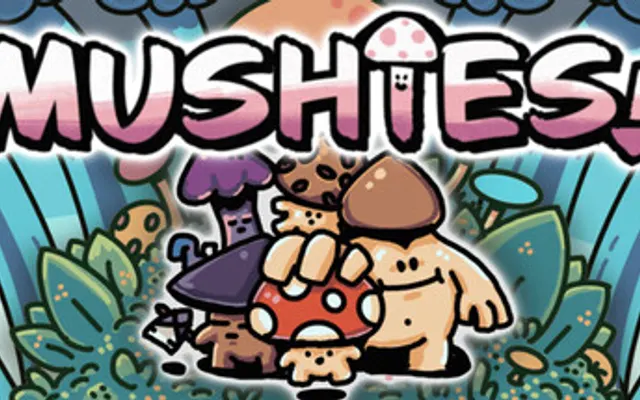
Mushies! is the cozy mushroom-village clicker made by this site's maintainer, so read this entry as a case study, not a neutral pick. It uses pixel art for a big clickable mushroom, hired worker shrooms, houses and an underground you dig into, with 85+ upgrades and a Wisdom prestige loop.

The reason for pixel art here is the village. A clicker with many small characters doing jobs needs sprites that animate cheaply and stay readable when there are dozens on screen, and a cozy palette makes waiting feel pleasant instead of empty.

It is built in Godot and has a free browser demo, so you can see how the art holds up in a web export.

Watch out for: A living village multiplies art work: every new worker or building needs idle, walk and work frames. Plan the animation list per character before adding more types.

12

AdVenture Capitalist: best for humor-led mobile tycoons

Platform: Steam, Mobile · free-to-play

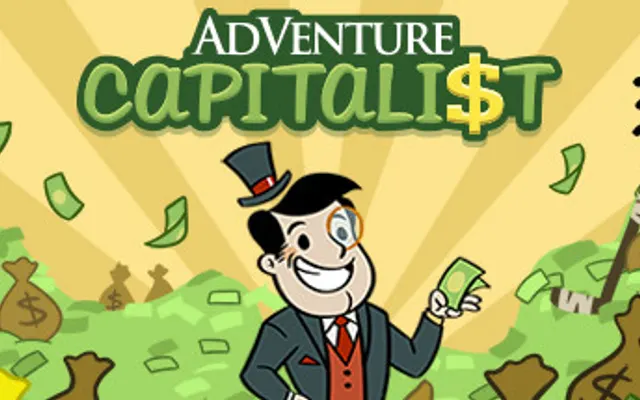
AdVenture Capitalist by Hyper Hippo sells itself as 'the world's greatest capitalism simulator,' starting from 'a humble lemonade stand,' per its Steam page. The art matches the joke: bright cartoon businesses and 'smarmy Angel Investors.'

Cartoon vector art scales to any phone, keeps file sizes small and gives every business a face. The satire is half the appeal, and the art delivers it before the player reads a word.

Pick it when your theme is a joke and your platform is mobile.

Watch out for: Cartoon tycoon art is crowded. Hundreds of mobile idlers look like this, so the theme and writing have to do the differentiating.

13

Readable at a glance (Idle Factory Tycoon): best for small teams making a mobile tycoon

Platform: Art direction approach. Kolibri Games studio blog, 2018

Kolibri Games' studio blog on Idle Factory Tycoon's art describes choosing 'a simple and effective art style' with 'less is more' as the rule: 'a clear and easily understood style where every piece of art instantly advertises its purpose in the game.'

The same post makes the practical point about phones: smaller assets win, and there is 'no place for high-volume 4K textures.' Artists also rework assets for different screen shapes.

Use this as the test for any style on this list: can a new player tell what each thing does from its silhouette alone?

Watch out for: 'Simple' is not 'quick'. Clarity comes from iteration, and the post describes two artists working on one game.

14

Cell to Singularity: best for 3D showcases with a studio budget

Platform: Steam, Mobile · free-to-play

Cell to Singularity by Computer Lunch invites players to 'view the fruits of evolution in beautiful 3D habitats,' per its Steam page. It is free to play with in-app purchases and 89% positive on Steam.

3D turns progress into a place: each unlock adds a creature or object you can look at. For an educational theme like evolution, seeing the result is the reward, which is why the extra cost makes sense here.

Pick 3D when looking at your world is the point and you can fund modelling, lighting and optimisation.

Watch out for: 3D raises the bar on performance and device support, especially on phones. Expect to spend real time on load times and frame rate, not just models.

How to choose an art style for your idle game

Three questions, in this order.

01

Match it to your skills

Be honest about what you can make a hundred of. Writers can ship A Dark Room style text. Programmers can ship Antimatter Dimensions style clean UI or Revolution Idle style geometry. If you can draw small sprites, pixel art covers characters and villages. If you cannot do any of these, ASCII and plain HTML are not compromises; they are how several of the genre's classics were made.

02

Match it to how the game is played

Glanced-at games (desktop strips, long idlers) need art that reads tiny and stays calm, like Rusty's Retirement. Active games need feedback and motion, like Nodebuster. Story games benefit from restraint, because reveals hit harder on a sparse screen. Number-heavy games need hierarchy and themes more than illustrations.

03

Match it to where players will find it

Steam and mobile stores sell on a thumbnail and five screenshots, so a recognisable look matters there. Browser portals and communities sell on word of mouth, so a plain look can work if the hook is strong. Before you commit, mock up your store capsule; if it says nothing at 200 pixels wide, change the style.

Mock your first screen before your first sprite

Take your main screen and lay it out in grey boxes. Then try it in two of the styles above, say plain text and pixel art, and show both to three people for five seconds each. Ask what they would click first. The style that gets the right answer is your style.

When it is ready, list your game on IncrementalGames.org for free; every listing gets a profile with your art, platforms and links. If you want extra visibility at launch, the optional Get featured placement adds a labelled Featured card on the home page, game pages and best-of lists.

List your game free →

Common questions

What art style is best for an idle game?

The one your team can produce consistently that keeps numbers readable. Text, ASCII and minimal UI suit solo developers and math-heavy games; pixel art suits games with characters; cartoon vector art suits mobile tycoons; 3D only makes sense when looking at the world is the reward and you have the budget.

Do idle games need good graphics?

No. A Dark Room, Universal Paperclips and Candy Box 2 are mostly text or ASCII and remain some of the best-known games in the genre. What they need is clear hierarchy: players must see which number matters and what they can afford.

Is pixel art a good choice for an incremental game?

Often, yes. Small sprites animate cheaply, read at a distance and suit games with many characters, as in Idle Slayer and Rusty's Retirement. Plan for integer scaling and an animation list per character before you start.

How do I make an idle game look good with no artist?

Lean on typography, spacing, colour and motion. Pick one font family, a small palette with strong contrast, and clear states for affordable, locked and maxed. Add themes like Antimatter Dimensions does, and spend effort on feedback when numbers change.

Sources